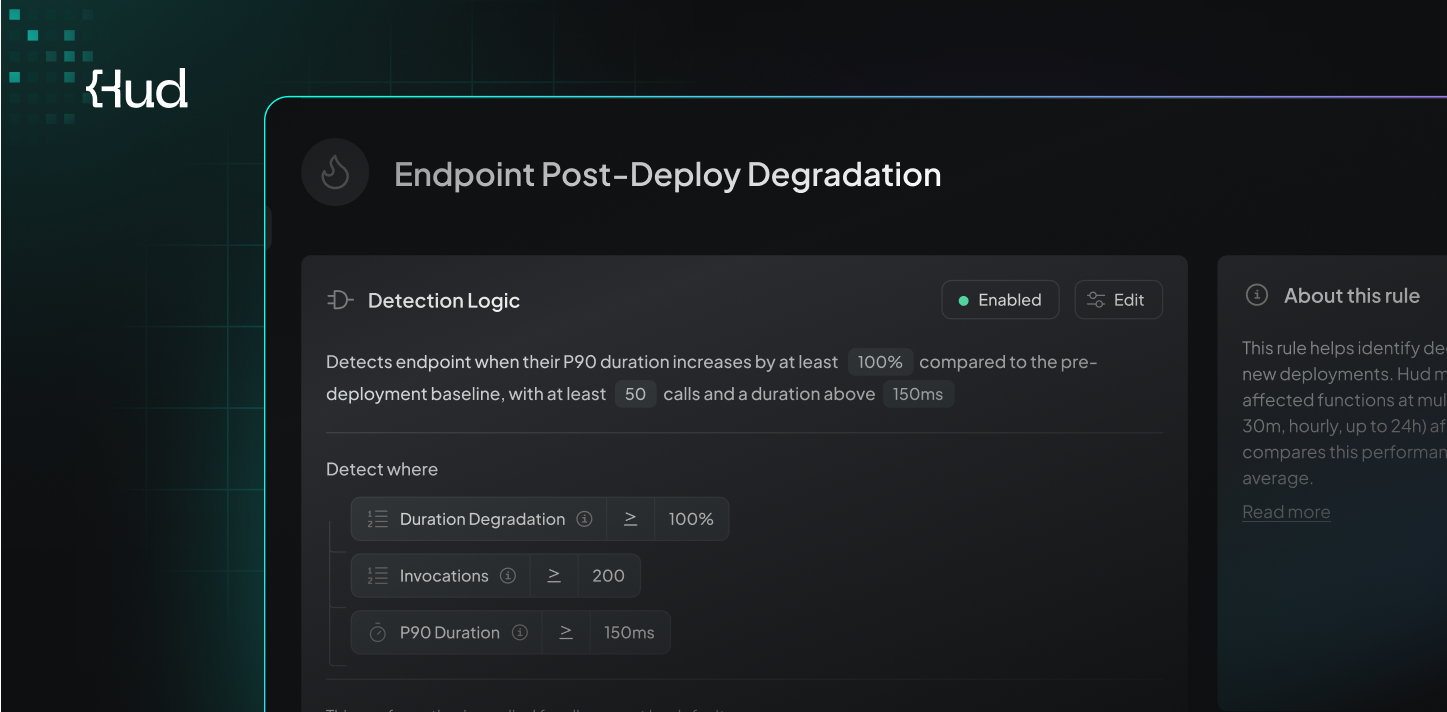

Heads-Up Rule Configuration
You can now view and customize the detection logic behind Hud’s Heads-Up alerts, giving you control over what triggers an alert and when.
Details
Explore all Heads-Up rules directly in the Hud Web App to understand what each rule monitors.
Adjust detection logic by configuring thresholds such as degradation percentage, invocation counts, and other rule-specific parameters.
Override default settings at the service level to better match the behavior and priorities of each service.
Why It Matters
Alerting is most effective when it reflects your system and your tolerance for change. Custom rule configuration helps reduce irrelevant alerts and ensures you are notified only when something truly matters to your team.
How to Access
Go to the Heads-Up Rules page in the Hud Web App and configure rules per environment and service.